
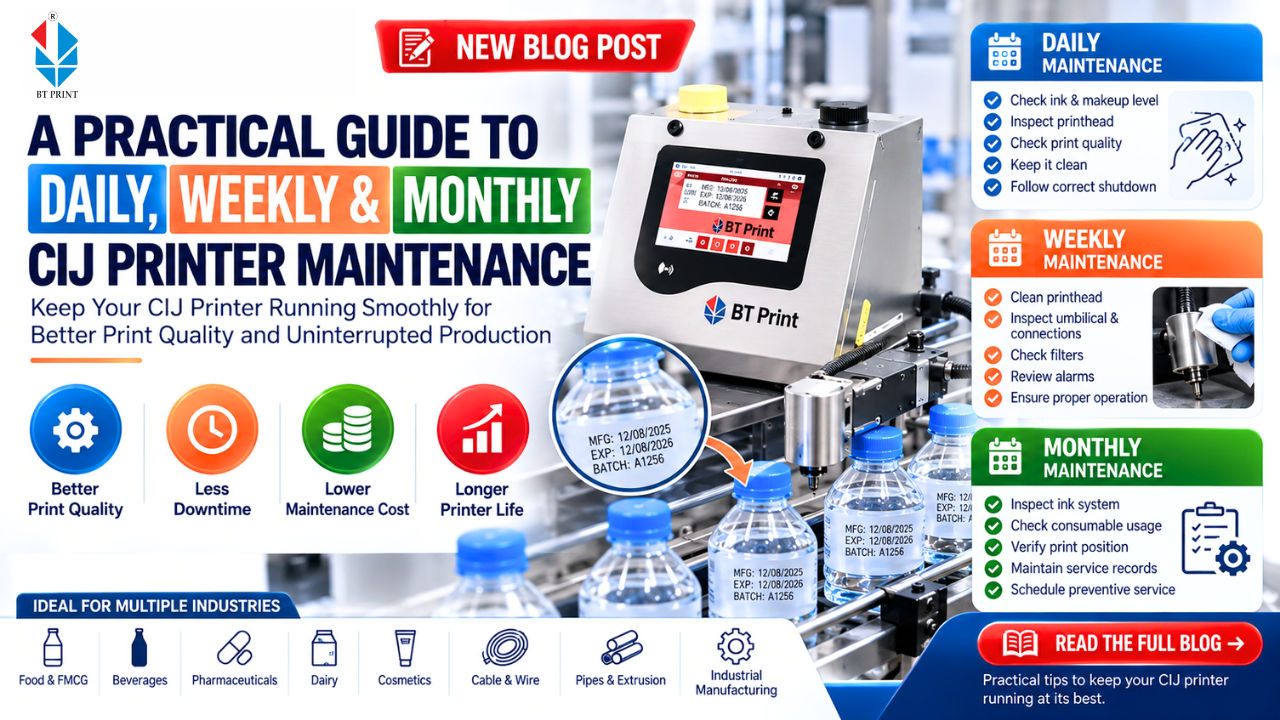
A CIJ Printer (Continuous Inkjet Printer) is designed to handle demanding industrial coding applications, often running for long hours on fast-moving production lines. From printing batch numbers and manufacturing dates to expiry dates, MRP, lot numbers and product codes, a CIJ printer plays an important role in product identification and traceability.
However, even a reliable CIJ Printer needs regular maintenance. Small maintenance issues, if ignored, can eventually lead to poor print quality, nozzle blockage, ink-system problems and unexpected production downtime.
The good news is that CIJ maintenance does not always have to be complicated. A simple daily, weekly and monthly maintenance routine can help keep the printer working consistently and extend the life of important components.
Here is a practical maintenance guide for manufacturers using a Batch Coding Machine in their production environment.
Why Regular CIJ Printer Maintenance Matters
A CIJ printer works with several critical components, including the printhead, nozzle, ink system, filters, pump and fluid circuits. Dust, ink deposits, incorrect fluid levels or improper shutdown procedures can affect printer performance.
Regular maintenance can help manufacturers:
- Maintain consistent print quality
- Reduce nozzle blockage
- Minimize unexpected downtime
- Improve printer reliability
- Reduce unnecessary service requirements
- Extend component life
- Maintain clean and readable batch codes
This becomes even more important in factories where industrial coding machines operate for multiple shifts or continuously for 24×7 production.
Daily CIJ Printer Maintenance
Daily maintenance is generally about keeping the printer clean, checking fluid levels and identifying small problems before they become serious.
1. Check Ink and Makeup Fluid Levels
Before starting production, check the ink and makeup fluid levels.
Low fluid levels can affect printer operation and may eventually interrupt production. Operators should follow the printer's recommended fluid requirements rather than adding unsuitable fluids.
For consistent performance, always use the correct ink and makeup fluid recommended for the particular application and printer.
2. Inspect the Printhead
The printhead is one of the most important parts of a CIJ Printing Machine.
Check the printhead for:
- Ink deposits
- Dust or contamination
- Moisture
- Unusual buildup around the nozzle
- Damaged or loose components
A clean printhead helps maintain proper ink droplet formation and consistent printing.
3. Check Print Quality
Do not assume that the printer is working correctly simply because it is running.
Check actual printed samples from the production line.
Look for:
- Missing characters
- Blurred text
- Uneven character formation
- Incorrect alignment
- Faint printing
- Ink splashing or unwanted marks
If print quality changes suddenly, investigate the cause rather than continuing production without checking.
4. Keep the Printhead Environment Clean
Dust and other contaminants around the printhead can affect printing performance.
Where possible, keep the printhead away from excessive dust, splashes and unnecessary contamination.
This is particularly important in food, beverage, chemical and industrial manufacturing environments.
5. Follow the Correct Shutdown Procedure
One of the most important CIJ maintenance practices is proper shutdown.
Do not simply switch off the main power unless the printer's operating procedure specifically allows it.
A proper shutdown cycle can help the printer clean or flush the printhead and ink system as designed.
The exact procedure should always follow the manufacturer's instructions.
Weekly CIJ Printer Maintenance
Daily checks help prevent common problems, but weekly maintenance should go a little deeper.
1. Clean the Printhead Carefully
Depending on the production environment and printer requirements, the printhead may need more thorough cleaning.
Remove accumulated ink residue and contamination using the recommended cleaning procedure and approved cleaning materials.
Avoid using random solvents or tools that may damage sensitive components.
A clean printhead is particularly important for preventing issues such as CIJ nozzle blockage.
2. Inspect the Umbilical and Connections
The umbilical carries important fluid and electrical connections between the main printer unit and printhead.
Check for:
- Physical damage
- Sharp bends
- Loose connections
- Fluid leakage
- Unusual wear
A damaged or poorly positioned umbilical can create unnecessary operational problems.
3. Check Filters and Fluid System
Filters play an important role in maintaining the cleanliness of the ink system.
Check the printer's maintenance indicators and service recommendations for filter inspection or replacement.
Do not wait until print quality becomes poor before considering scheduled filter maintenance.
4. Review Printer Alarms and Messages
Modern Batch Coding Printers often provide diagnostic information through the control interface.
Review warnings and alarms regularly.
Even if the printer continues to operate, repeated warnings should not be ignored. They may indicate an issue that could become more serious later.
Monthly CIJ Printer Maintenance
Monthly maintenance should focus on preventive care and a broader inspection of the printer.
1. Inspect the Ink System
Check the overall condition of the ink system according to the manufacturer's maintenance procedure.
Look for signs of:
- Leakage
- Unusual ink consumption
- Fluid contamination
- Unstable pressure or flow
- Repeated alarms
If anything appears abnormal, involve a trained service technician rather than attempting unnecessary repairs.
2. Review Consumable Usage
Track how much ink and makeup fluid the printer is consuming.
Unexpected changes in consumption can sometimes indicate a problem.
For high-volume production environments, monitoring consumable usage can also help manufacturers understand their actual coding cost per print.
3. Check Print Position and Quality
Production conditions can change over time.
Product guides may move, conveyor settings may change or the distance between the printhead and product may become inconsistent.
Check that the printhead is correctly positioned and that printed codes remain clear and properly aligned.
4. Review Preventive Maintenance Records
Maintain a simple maintenance log for every CIJ Printer.
Record:
- Cleaning dates
- Filter changes
- Fluid replacement
- Service visits
- Printer alarms
- Parts replaced
- Recurring problems
For plants operating several coding machines, maintenance records make it easier to identify recurring issues and schedule service before a failure affects production.
Common CIJ Problems That Maintenance Can Help Prevent
Regular maintenance can help reduce the risk of several common printing problems.
Nozzle Blockage
Ink residue or contamination can interfere with the nozzle. Regular printhead cleaning and correct shutdown procedures can help reduce this risk.
Poor Print Quality
Blurred, faint or distorted characters may be related to printhead cleanliness, ink conditions, print distance or other printer settings.
Excessive Ink Consumption
Unexpectedly high consumption should be investigated rather than ignored. It may be related to print settings, operating conditions or an issue within the fluid system.
Frequent Printer Alarms
Repeated alarms can indicate an underlying maintenance or operating issue. Keeping a maintenance record can help identify patterns.
CIJ Maintenance for 24×7 Production
Factories operating around the clock have less tolerance for unexpected downtime.
For 24×7 production, maintenance should be treated as part of the production schedule rather than something performed only after a problem occurs.
A good approach is to:
- Assign trained operators
- Follow daily inspection routines
- Schedule preventive maintenance
- Keep essential consumables available
- Monitor printer alarms
- Maintain service records
- Address recurring issues early
This is particularly important for industries such as Food & FMCG, Beverages, Pharmaceuticals, Dairy, Cosmetics, Cable & Wire, Pipes & Extrusion and Industrial Manufacturing.
Operator Training Is Just as Important
Even the best CIJ Printer can develop problems if operators do not follow the correct operating procedures.
Operators should know how to:
- Start the printer correctly
- Stop the printer correctly
- Check ink and makeup levels
- Clean the printhead
- Identify warning messages
- Check basic print quality
- Report abnormal conditions
Proper training helps prevent simple operating mistakes from becoming expensive production problems.
When Should You Call a Service Engineer?
Routine maintenance can be handled by trained operators, but certain problems require professional attention.
Contact a qualified service engineer if you notice:
- Repeated nozzle blockage
- Persistent poor print quality
- Unusual fluid leakage
- Frequent system alarms
- Abnormal ink consumption
- Pump or pressure-related issues
- Electrical or electronic faults
Avoid repeatedly resetting the machine without identifying the underlying problem.
BT Print CIJ Printers for Industrial Coding
BT Print provides CIJ Printers and other Industrial Coding Solutions for manufacturers and packaging companies.
CIJ technology can be used for printing batch numbers, manufacturing dates, expiry dates, MRP, lot numbers and other variable information on suitable products and packaging.
BT Print's coding solutions are suitable for applications across Food & FMCG, Beverages, Pharmaceuticals, Dairy, Cosmetics, Cable & Wire, Pipes & Extrusion, Lubricants and Industrial Manufacturing.
For manufacturers using multiple coding technologies, BT Print also provides TIJ Printers, TTO Printers, Laser Marking Machines and AI Vision Inspection Systems for suitable applications.
Final Checklist: CIJ Printer Maintenance
A simple maintenance routine can make a significant difference.
Daily
- Check ink and makeup levels
- Inspect the printhead
- Check print quality
- Keep the printhead area clean
- Follow the correct shutdown procedure
Weekly
- Clean the printhead as required
- Inspect the umbilical and connections
- Check filters and fluid-system indicators
- Review alarms and warnings
Monthly
- Inspect the ink system
- Review consumable consumption
- Check print position and quality
- Update maintenance records
- Schedule preventive servicing when required
Conclusion
A CIJ Printer is an important part of many modern production and packaging lines, but reliable coding depends on more than simply switching the machine on and starting production.
Daily checks, weekly cleaning and monthly preventive maintenance can help reduce avoidable problems and maintain consistent coding performance.
The most effective maintenance strategy is simple: check regularly, clean correctly, record problems and address them before they become production failures.
For high-speed and 24×7 manufacturing environments, a disciplined maintenance routine can help protect print quality, production continuity and the overall performance of your Batch Coding Machine.